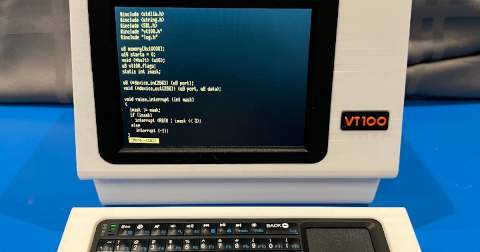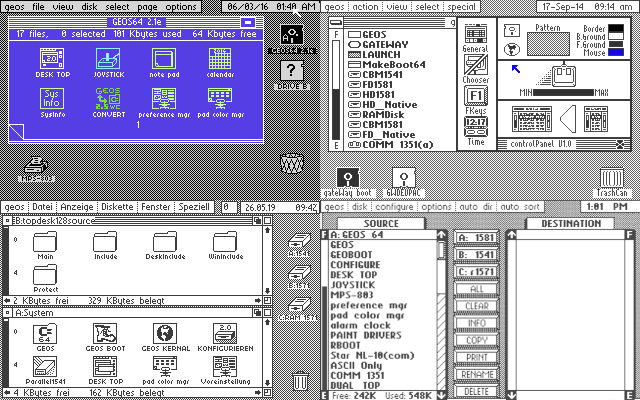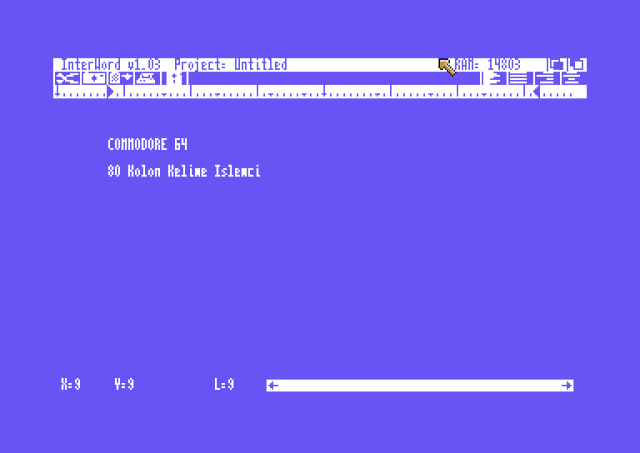
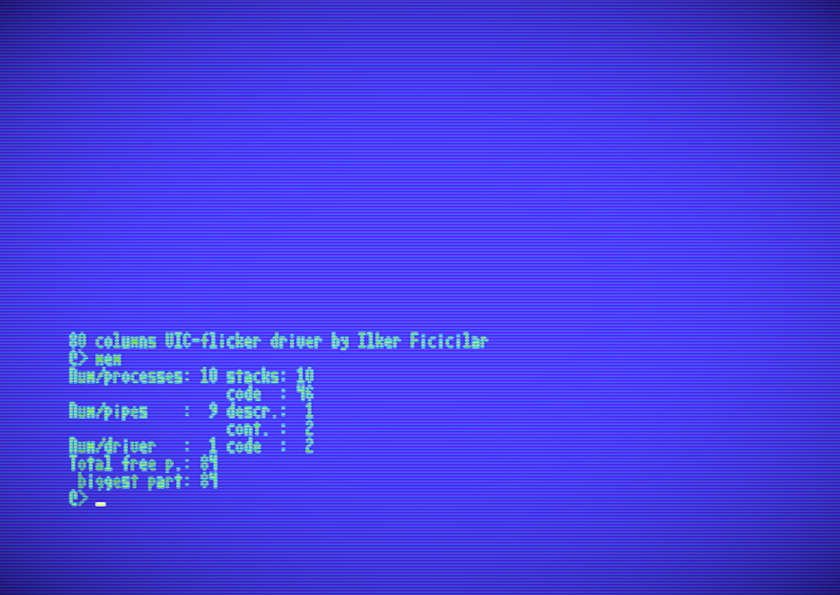

Instead of relying on additional hardware, it used raster interrupts, dual-screen memory switching, and visual persistence tricks to simulate a full 80-column display.
The Commodore 64 Hardware Limitations
VIC-II Graphics Resolution Explained
The Commodore 64’s VIC-II chip operates at a resolution of 320x200 pixels. In standard text mode, characters are 8 pixels wide. That naturally limits the display to 40 columns.
To double that to 80 columns, each character would need to be only 4 pixels wide. That’s extremely tight. There’s little room for readability, and pixel accuracy becomes critical.
Memory Constraints on the C64
The C64 famously includes 64KB of RAM, but not all of it is available to programs. Once you factor in system memory, video RAM, and hardware registers, usable space becomes scarce.
Traditional C64 80 column mode drivers required large buffers and significant memory overhead. FlickTTY, however, required only 3328 bytes of VIC memory:
2 KB for partial screen data
1 KB for font definitions
1 page for sprite usage (cursor)
This efficiency made it practical even on memory-constrained systems.
CPU Speed and Performance Barriers
The C64’s 6510 CPU runs at roughly 1 MHz. That’s incredibly slow by modern standards. Handling two screen buffers, raster interrupts, and scrolling operations in real time is no small task.
Yet FlickTTY achieved practical speeds of 5250 characters per second. With further optimization, it could theoretically reach 8000 cps—fast enough to handle 57600 bps connections smoothly.
Why C64 80 Column Mode Mattered in the 1980s
Productivity Software Needs
Word processors, spreadsheets, and programming environments benefit enormously from 80 columns. It matches standard terminal widths and allows for more readable code and documents.
A 40-column display feels cramped. Developers needed more room.
Terminal Emulation and UNIX Connections
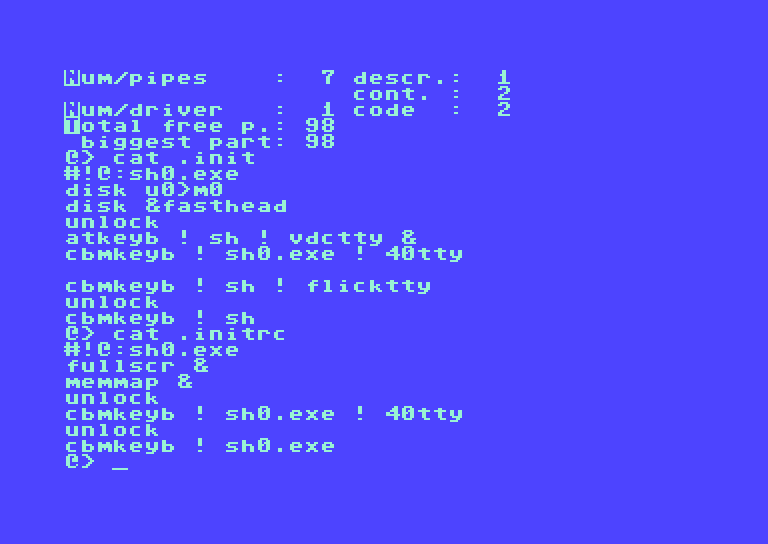
With the rise of UNIX systems, 80-column terminals became the standard. Projects like LUnix (Lightweight UNIX for the C64) required compatibility with terminal-based workflows.
C64 80 column mode environment allowed users to:
Edit files with
edDisplay UNIX text files
Connect via modem to larger systems
Without 80 columns, serious UNIX interaction was awkward at best.
The Birth of FlickTTY: Another Approach
What Is FlickTTY?
FlickTTY is an 80-column VIC screen driver developed for LUnix. It does not add hardware. Instead, it leverages software tricks and human visual perception to simulate a wider display.
It is simple in concept but powerful in execution.
The Illusion-Based Display Concept
The idea is based on visual persistence. A raster interrupt switches between two half-screens 50 times per second.
Each screen contains alternating characters:
Odd characters on screen one
Even characters on screen two
Your brain blends the two images together. If the CRT monitor has slow phosphor decay and proper color settings, the flicker becomes almost invisible.
How FlickTTY Creates C64 80-Column Mode Display
Dual Screen Memory Technique
Two screen areas are defined in memory:
First screen: $a400–$a7e7
Second screen: $ac00–$afe7
These are alternated using raster interrupts. Each refresh displays one screen shifted by 4 pixels.
Raster Interrupt Screen Swapping
At every 1/50 second interval:
The screen memory pointer flips
A horizontal shift of 4 pixels occurs
The result? Two half-width character sets combine visually to appear as a full-width 80-column layout.
Character Interleaving Strategy
When printing text such as "hello world":
Odd characters go to screen one
Even characters go to screen two
Each refresh reveals half the data, but the eye merges both instantly.
Technical Deep Dive into VIC Memory Usage
Memory Map Allocation
FlickTTY uses the $a300–$afff area. VIC is configured to display from the $8000–$bfff range.
This structured allocation ensures minimal interference with other processes.
Sprite and Cursor Handling
Only one sprite is currently used—the cursor.
Though the driver consumes seven pages of system memory, part of that includes undeallocated initialization routines.
Font Definition Structure
The font includes 128 character definitions. Characters are stored using only the most significant nibbles (left four bits of each byte), enabling 4-pixel width representation.
Performance Benchmarks and Throughput
Real-World Speed Measurements
Measured performance: 5250 characters per second.
Scrolling capability: 95 lines per second.
For practical use, that’s impressively smooth.
Theoretical Maximum Throughput
With deeper optimization, throughput could reach 8000 cps.
This would support high-speed modem communication flawlessly.
Managing Flicker and Visual Optimization
CRT Phosphor Behavior
CRT monitors naturally retain light briefly after refresh. This property allows the illusion to work.
If phosphor decay is slow, flicker reduces significantly.
Color Pattern Selection
There are 8 color schemes:
| Mode | Font Color | Background |
|---|---|---|
| 0 | Yellow | Light Blue |
| 1 | Light Green | Light Blue |
| 2 | Yellow | Purple |
| 3 | Light Green | Purple |
| 4 | Yellow | Green |
| 5 | Light Blue | Blue |
| 6 | Green | Blue |
| 7 | Cyan | Blue |
Border color matches background.
Practical Monitor Adjustments
To reduce flicker:
Lower contrast
Increase color intensity
Keep brightness moderate
Use a quality screen filter
And humorously—avoid too much Vitamin A!
Limitations and Trade-Offs
Screen Flushes During Disk Access
Disk activity may cause screen refresh interruptions.
Atomic Process Interruptions
Long atomic tasks reduce multitasking smoothness.
Scrolling Constraints
Because of the illusion, unscrolled portions briefly appear during refresh. This is inherent to the method.
Color Pattern Modes and Configuration Options
FlickTTY can be launched with:
Replace 3 with 0–7 to select different color patterns.
Default C64 80 column mode is 0.
Practical Use Cases in LUnix
Command-Line Usage Examples
sh0.exe ! flickttycat! unix2cbm ! flicktty ed ! flicktty
TTY Emulation Capabilities
The driver mimics a TTY device:
No cursor movement up/down
No reverse characters
Limited color controls
However, it refreshes color RAM with special control codes.
For more details about the Commodore 64 hardware, visit the official Commodore history archive:
https://www.commodore.ca/
Comparing FlickTTY to Traditional 80-Column Solutions
Traditional solutions required:
External cartridges
Dedicated 80-column hardware
Significant RAM allocation
FlickTTY required none of these. It was software-driven and memory efficient.
That made it the only viable approach for 80-cols online activities.
Frequently Asked Questions (FAQs)
1. Does this method require additional hardware?
No. It works entirely through software and VIC-II manipulation.
2. Why does flicker occur?
Because two half-screens alternate rapidly. The eye blends them, but slight flicker remains.
3. Is it compatible with all CRT monitors?
It works best with CRT displays that have slower phosphor decay.
4. Can it be used outside LUnix?
It was designed specifically for LUnix but could be adapted.
5. Why are there only 24 rows?
The driver configures the VIC for 24 rows to optimize performance.
6. Is scrolling smooth?
Yes, up to 95 lines per second, though brief refresh artifacts may appear.
Conclusion: Where can I Find FlickTTY
The trick behind achieving an 80-column display on a machine designed for 40 columns is simple. By combining raster interrupts, memory efficiency, visual perception tricks, and font design, it's possible to make impossible possible (!).
C64 80 column mode FlickTTY can be found in old LUnix distrubitions for the Commodore 64, or here: Flicktty.bin . Remember: You need a real CRT monitor to see the effect in action. Vice emulator or a LCD monitor cannot deliver the desired 80-column effect.